
Reviews (31)
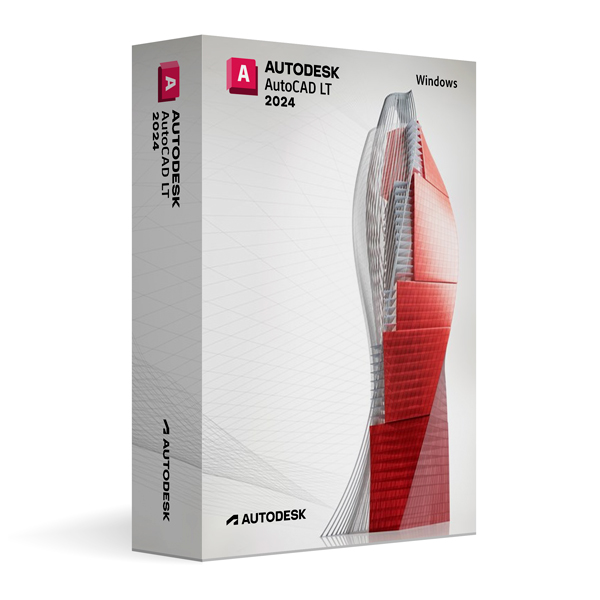
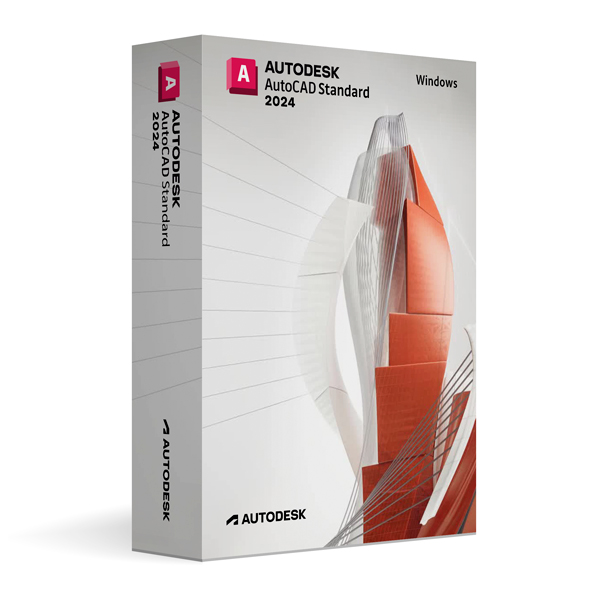
Autodesk AutoCAD LT 2024 for Windows
On Offer • Selling Fast£49.99

LIFELONG 24/7 SUPPORT FROM REAL EXPERTS – INCLUDED AT NO EXTRA COST

100% Buyer Protection
Payments protected by Stripe fraud prevention.

Instant Delivery
Automatic email delivery right after payment.

Free Expert Support
Help with setup, activation, and troubleshooting.

Original License
Genuine license securely linked to your account.

Secure Payments
SSL-encrypted payments via trusted providers.

Invoice Available
Download your invoice after purchase.
This edition of Autodesk is licensed for personal and non-commercial purposes under an educational license. It offers the exact same features and performance as the commercial version, produces identical output without watermarks, and ensures full professional-grade functionality.
Overview
Autodesk AutoCAD LT 2024 for Windows is a streamlined, cost-effective CAD solution designed for precise 2D drafting, drawing, and documentation. Built on the same core technology as AutoCAD, it delivers professional-grade tools for architects, engineers, designers, and drafters who require accuracy and reliability without the need for advanced 3D modeling. AutoCAD LT 2024 provides a familiar interface, DWG file compatibility, and essential drafting features to help you create high-quality technical drawings efficiently.
Efficient 2D Drafting Tools
AutoCAD LT 2024 offers a robust set of tools for creating, editing, and annotating 2D geometry. Features such as intelligent object snapping, layer management, dimensioning tools, and reusable blocks help streamline workflows and ensure consistency across projects. The software supports precise drafting down to the smallest detail, making it ideal for producing accurate plans, schematics, and diagrams.
What’s New in AutoCAD LT 2024
The 2024 release introduces improved performance for handling larger drawings, enhanced plotting capabilities, and faster file operations. New automation features allow for more efficient repetitive task execution, while updated collaboration tools make it easier to work with teams across locations. Integration with AutoCAD web and mobile apps ensures access to your designs anytime, anywhere.
Optimized for Windows
AutoCAD LT 2024 is built to take advantage of modern Windows operating systems, supporting multi-monitor setups, high-resolution displays, and hardware acceleration. The intuitive ribbon interface and customizable workspaces allow you to organize tools and commands according to your workflow, increasing productivity and reducing learning curves for new users.
Collaboration & Compatibility
Using the industry-standard DWG format, AutoCAD LT 2024 ensures full compatibility with AutoCAD and other DWG-based software. The software also supports file imports and exports in formats such as PDF and DXF, allowing for flexible collaboration with clients, consultants, and contractors. Integration with Autodesk Docs provides secure cloud storage and version control for distributed teams.
Customization & Productivity
Although AutoCAD LT does not support LISP or advanced customization options found in AutoCAD, it offers templates, reusable block libraries, and annotation scaling to help standardize and accelerate your workflows. These features make it easier to maintain drawing standards and improve drafting efficiency across projects.
System Requirements
Autodesk AutoCAD LT 2024 for Windows requires Windows 10 or Windows 11 (64-bit) with a multi-core Intel or AMD processor. A minimum of 8 GB RAM is recommended (16 GB for larger projects), along with a DirectX 12 capable GPU for optimal display performance. Installation requires approximately 7 GB of free disk space.
Simple Activation
When you purchase Autodesk AutoCAD LT 2024 for Windows, you will receive the official Autodesk installer, a step-by-step installation guide, and activation through your Autodesk account—no license key is required. Once activated, you will have lifetime access for personal and educational use under the educational license terms.
Why Choose AutoCAD LT 2024 for Windows
AutoCAD LT 2024 offers the precision, reliability, and compatibility of AutoCAD in a streamlined package focused on 2D drafting. It is perfect for professionals who need powerful drawing tools without the complexity and cost of 3D features.
Draft with Precision
Order Autodesk AutoCAD LT 2024 for Windows today to access professional-grade drafting tools. Download instantly, activate securely, and start producing high-quality drawings with confidence and efficiency.
Related products
-
Microsoft Windows 10 Home
£19.99




John H. –
Clear and easy process, no issues.
Scott M. –
The service was fast and professional. I had a great experience.
Mabel S. –
I was a bit unsure at first, but once I followed the instructions it worked fine.
Margaret P. –
I double-checked a step just to be safe, but it worked even before that.
Samuel P. –
I had an excellent experience using this service from start to finish. The ordering process was straightforward and easy to understand. Within minutes everything was activated and ready to use, with no issues at all. I really appreciated how professional and secure the whole process felt. I will definitely be coming back when I need it again.
Olivia W. –
No technical issues at all, which is always a good sign.
Charles A. –
Took a few minutes to complete, but nothing difficult.
Oscar I. –
I expected it to be harder, but it was actually pretty easy.
Chloe G. –
The speed of the activation was impressive. The process was simple, clear, and secure. Everything worked flawlessly. Highly recommend this service.
India S. –
Overall, it was a smooth experience.
Will I. –
The download link worked right away and installation went smoothly.
Andre A. –
Activation wasn’t instant, but it only took a short moment and then worked.
Kunal N. –
The download link worked perfectly the first time.
Sameer I. –
Installation was simple and everything was ready shortly after.
Peter M. –
I didn’t run into any errors while setting it up.
Rowan G. –
I had no trouble installing or activating it. Everything worked as expected.
Dan G. –
No delays, no confusion.
Hiba T. –
I wasn’t totally sure what to expect at first, but once I downloaded it and followed the steps, everything worked fine. Installation took a few minutes, nothing complicated, and activation went through without any issues.
Amira R. –
The setup was simple and didn’t require any extra tweaking or adjustments.
Zain O. –
Quick delivery and a very easy installation process.
Neil E. –
No unnecessary steps, which I really appreciated.
Theodore E. –
Everything worked as expected once it was installed.
Patrick D. –
I was ready for some troubleshooting, but didn’t need to do any.
Chris F. –
I was careful during installation, but it turned out to be easier than expected. No problems afterward.
Rachel E. –
The process was smooth once I started. No unexpected problems.
Noor H. –
Activated right away without any extra steps.
Elena B. –
Activation worked fine after installation. No extra steps needed.
Brooke B. –
Took a few minutes to complete, but nothing complicated.
Leila R. –
At first I thought I might mess something up during installation, but it turned out to be pretty simple. Download was fast, setup went smoothly, and everything worked after that.
Alistair J. –
Overall, a pretty easy process.
Pearl T. –
Download speed was good, and setup was simple.