
Reviews (4)
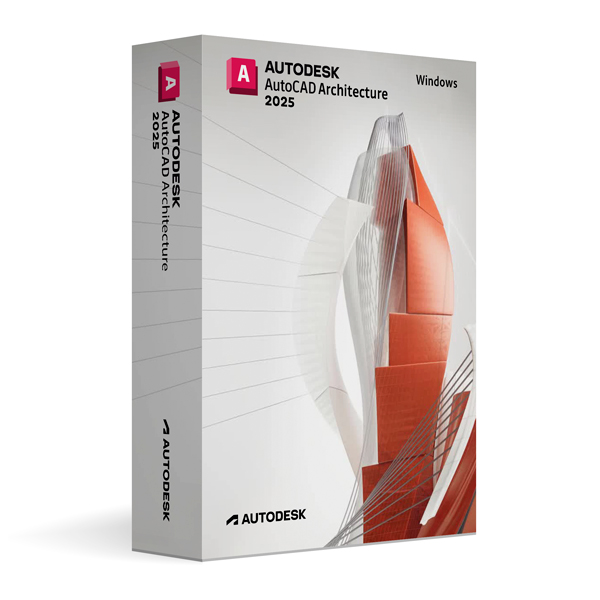
Autodesk AutoCAD Architecture 2025 for Windows
On Offer • Selling Fast£69.99

LIFELONG 24/7 SUPPORT FROM REAL EXPERTS – INCLUDED AT NO EXTRA COST

100% Buyer Protection
Payments protected by Stripe fraud prevention.

Instant Delivery
Automatic email delivery right after payment.

Free Expert Support
Help with setup, activation, and troubleshooting.

Original License
Genuine license securely linked to your account.

Secure Payments
SSL-encrypted payments via trusted providers.

Invoice Available
Download your invoice after purchase.
This edition of Autodesk is licensed for personal and non-commercial purposes under an educational license. It offers the exact same features and performance as the commercial version, produces identical output without watermarks, and ensures full professional-grade functionality.
Overview
Autodesk AutoCAD Architecture 2025 for Windows is a specialized version of AutoCAD tailored for architects, building designers, and construction professionals. It extends the standard AutoCAD platform with purpose-built architectural design tools that streamline the creation of floor plans, elevations, sections, and 3D building models. By combining the drafting precision of AutoCAD with intelligent architectural objects, AutoCAD Architecture 2025 enables faster, more efficient design and documentation workflows for residential, commercial, and institutional projects.
Architectural Design Made Easier
AutoCAD Architecture 2025 includes intelligent building elements such as walls, doors, windows, stairs, and roofs, which automatically adjust and maintain relationships as your design changes. Annotation tools automatically update when design modifications occur, ensuring consistency between drawings and reducing manual rework. Styles and templates help maintain project standards, while automated scheduling tools generate accurate door, window, and room schedules directly from the model.
What’s New in AutoCAD Architecture 2025
The 2025 release introduces performance enhancements for smoother navigation and faster regeneration of complex drawings. Improved object snap behavior, more responsive editing tools, and upgraded section and elevation generation make the design process more efficient. Integration with Autodesk Docs has been refined, allowing seamless cloud-based collaboration and version management for distributed project teams.
Integrated 2D and 3D Workflows
With AutoCAD Architecture 2025, users can switch effortlessly between 2D drafting and 3D modeling within the same project. Changes made in one view are automatically reflected in all related views and documentation, eliminating the need for duplicate work. The ability to produce photorealistic renderings and walkthroughs directly from the building model enhances design presentations and client communication.
Collaboration & Compatibility
AutoCAD Architecture 2025 maintains full DWG compatibility, ensuring seamless collaboration with consultants and contractors who use standard AutoCAD or other DWG-based applications. Integration with Autodesk Vault provides secure storage and version control, while support for industry file formats such as IFC ensures interoperability with other BIM tools.
Customization & Efficiency
Users can customize styles, layer standards, and tool palettes to match specific project or company requirements. Automation features such as layer keying, display representations, and preconfigured annotation standards help accelerate repetitive tasks, reducing project delivery times without compromising accuracy.
System Requirements
Autodesk AutoCAD Architecture 2025 for Windows requires Windows 10 or Windows 11 (64-bit) with a multi-core Intel or AMD processor. A minimum of 8 GB RAM is required (16 GB recommended for larger projects), along with a DirectX 12 compatible GPU with at least 2 GB VRAM. Installation requires approximately 12 GB of free disk space, plus extra space for project data and libraries.
Simple Activation
When you purchase AutoCAD Architecture 2025 for Windows, you will receive the official Autodesk installer, a detailed installation guide, and activation through your Autodesk account—no license key is required. Once activated, you will have lifetime access for personal and educational use under the educational license terms.
Why Choose AutoCAD Architecture 2025 for Windows
AutoCAD Architecture 2025 delivers all the precision of AutoCAD with specialized tools for building design, allowing you to work faster and smarter. Its intelligent objects, automation features, and seamless integration with Autodesk’s collaboration tools make it an ideal choice for architects who need accuracy, efficiency, and reliable documentation.
Design Buildings with Confidence
Order Autodesk AutoCAD Architecture 2025 for Windows today to unlock professional-grade architectural drafting and modeling capabilities. Download instantly, activate securely, and start creating high-quality building designs that meet the highest industry standards.
Related products
-
Microsoft Windows 10 Home
£19.99 -

Microsoft Windows 11 Home
£19.99





Rebecca H. –
Quick and professional, thank you.
Jack A. –
Everything about the service worked flawlessly. The process was easy to follow, the activation was instant, and everything ran smoothly. It gave me the confidence that I was in good hands. I really liked how professional it felt. I highly recommend it.
Freya B. –
I had a great experience using this service. Everything was explained clearly and worked perfectly. The whole process was quick and easy. Very professional.
Katie B. –
The ordering process was quick and painless. Everything worked instantly after activation. I had no stress at any point, because everything was explained clearly. The service was professional and secure. Highly recommend it.