
Reviews (19)
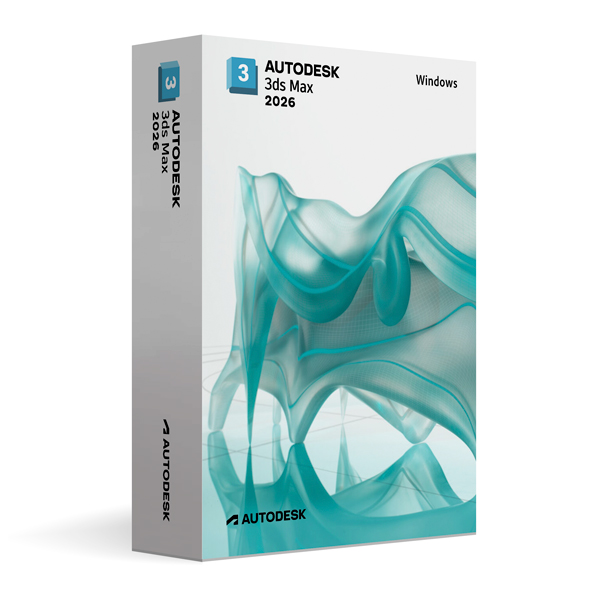
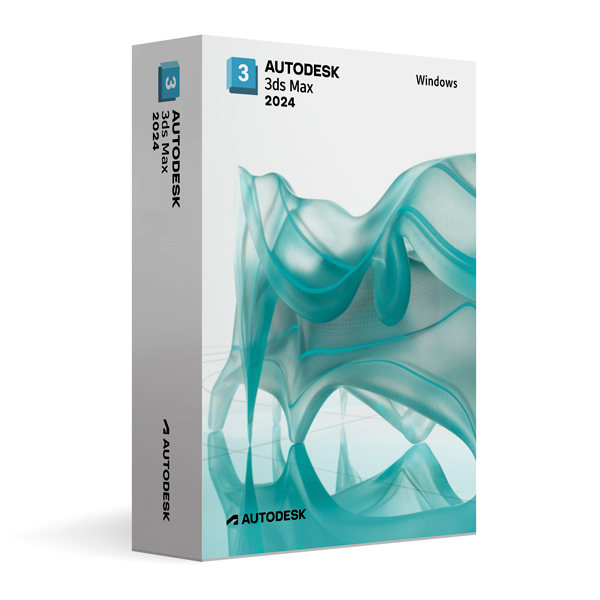
Autodesk 3ds Max 2026 for Windows
On Offer • Selling Fast£89.99

LIFELONG 24/7 SUPPORT FROM REAL EXPERTS – INCLUDED AT NO EXTRA COST

100% Buyer Protection
Payments protected by Stripe fraud prevention.

Instant Delivery
Automatic email delivery right after payment.

Free Expert Support
Help with setup, activation, and troubleshooting.

Original License
Genuine license securely linked to your account.

Secure Payments
SSL-encrypted payments via trusted providers.

Invoice Available
Download your invoice after purchase.
This edition of Autodesk is licensed for personal and non-commercial purposes under an educational license. It offers the exact same features and performance as the commercial version, produces identical output without watermarks, and ensures full professional-grade functionality.
Overview
Autodesk 3ds Max 2026 for Windows is a leading 3D modeling, animation, and rendering software trusted by professionals in architecture, design visualization, game development, and visual effects. Known for its versatility, performance, and high-quality output, 3ds Max enables artists to create detailed environments, lifelike characters, and cinematic animations. Whether you’re producing architectural walkthroughs, game-ready assets, or visual effects for film, 3ds Max 2026 provides the tools and flexibility to bring your ideas to life with precision and creativity.
Advanced 3D Creation Tools
3ds Max 2026 offers a comprehensive set of modeling techniques, including polygonal, spline-based, and procedural modeling workflows. Powerful modifiers allow you to customize and refine models with ease, while integrated UV mapping and texturing tools ensure your assets are production-ready. The animation toolkit includes character rigging, keyframe animation, and procedural controllers, making it suitable for everything from architectural flythroughs to complex cinematic sequences. Integration with the Arnold Renderer provides high-quality, physically accurate rendering for both still images and animations.
What’s New in 3ds Max 2026
The 2026 release focuses on performance improvements, workflow enhancements, and expanded interoperability. Enhanced viewport performance ensures smoother navigation in complex scenes, while updated modeling tools allow for faster asset creation. The retopology tools have been refined for cleaner mesh generation, and material editing workflows have been improved for more intuitive shader creation. USD (Universal Scene Description) support has been expanded, enabling better collaboration with other DCC (digital content creation) applications in multi-software pipelines.
Rendering & Visualization
With full integration of Arnold Renderer, 3ds Max 2026 delivers advanced global illumination, high-quality ray tracing, and accurate material simulation. Artists can take advantage of GPU and CPU rendering options to balance speed and quality. New rendering optimizations reduce noise and improve sampling efficiency, allowing for faster production of high-resolution visuals without compromising detail.
Collaboration & Pipeline Integration
3ds Max 2026 fits seamlessly into professional pipelines, with improved USD support for asset sharing and enhanced interoperability with Autodesk products like Revit, AutoCAD, and Maya. This makes it easy to import CAD data for visualization or exchange assets between different departments. The software’s scripting capabilities with MAXScript and Python enable automation, customization, and integration into proprietary studio workflows.
Performance & Customization
Optimized for large and complex projects, 3ds Max 2026 offers faster scene loading, improved stability, and better memory usage. The customizable interface allows artists to arrange toolsets and panels to match their workflows, while scripting and plugin support enable the creation of specialized tools and features for unique production requirements.
System Requirements
Autodesk 3ds Max 2026 for Windows requires Windows 10 or Windows 11 (64-bit) and a multi-core Intel or AMD processor. A minimum of 8 GB RAM is required (16 GB or more recommended), along with a DirectX 11 compatible GPU with at least 4 GB VRAM. Installation requires 9 GB of free disk space, plus additional space for project files and assets.
Simple Activation
With your purchase, you will receive the official Autodesk 3ds Max 2026 installer for Windows, a detailed installation guide, and activation via your Autodesk account—no license key required. Once activated, you’ll have lifetime access for personal and educational use under the educational license terms.
Why Choose 3ds Max 2026 for Windows
3ds Max has been a cornerstone of the 3D industry for decades thanks to its powerful modeling tools, robust animation capabilities, and high-quality rendering options. The 2026 version builds on this legacy with faster performance, smarter workflows, and greater interoperability, making it an essential tool for architects, designers, game developers, and VFX artists.
Create Without Limits
Order Autodesk 3ds Max 2026 for Windows today and harness the power of professional-grade 3D creation. Download instantly, activate securely, and start producing stunning visualizations, animations, and effects with the same software trusted by top studios worldwide.
Related products
-

Microsoft Windows 11 Home
£19.99 -
Microsoft Windows 10 Home
£19.99




Elliot T. –
Very pleased with the quick service.
Scarlett T. –
The professionalism of the service stood out right away. I placed my order, and within minutes everything was ready to use. I had no complications, no delays, and no confusion. Everything was straightforward, reliable, and quick. I’m very impressed.
Louis H. –
Very quick and clear process. Everything went perfectly.
Isabella P. –
A smooth and professional experience overall. The service worked instantly, and everything was handled with reliability. I had no concerns during the process. I’ll gladly recommend it to others.
Holly T. –
All done within minutes, brilliant service.
Henry T. –
Nothing unexpected happened.
Katie P. –
It worked in the end. Setup wasn’t instant and I had to double-check one step, but nothing actually went wrong.
Hiba W. –
Once I started, everything went through without any real problems.
Megan C. –
The setup required attention, but nothing unexpected happened once it started.
Hannah B. –
The setup wasn’t confusing, just a bit long.
Bradley C. –
There was a pause during setup that made me think it had stopped, but it carried on after a minute.
Claire C. –
I expected more hassle than this, so I can’t complain. Everything went through in the end.
Sienna C. –
The steps were clear enough to follow without guessing.
Aaron L. –
Everything worked once the setup finished.
Sheila C. –
Did what it said it would.
Oscar R. –
Worked once I followed the steps.
Emily T. –
Instructions were clear enough, even if not perfectly written.
Millie H. –
Some steps weren’t instantly clear, but after slowing down and following them properly, it worked.
Will L. –
Nothing special, but nothing annoying either.